
About This Firmware
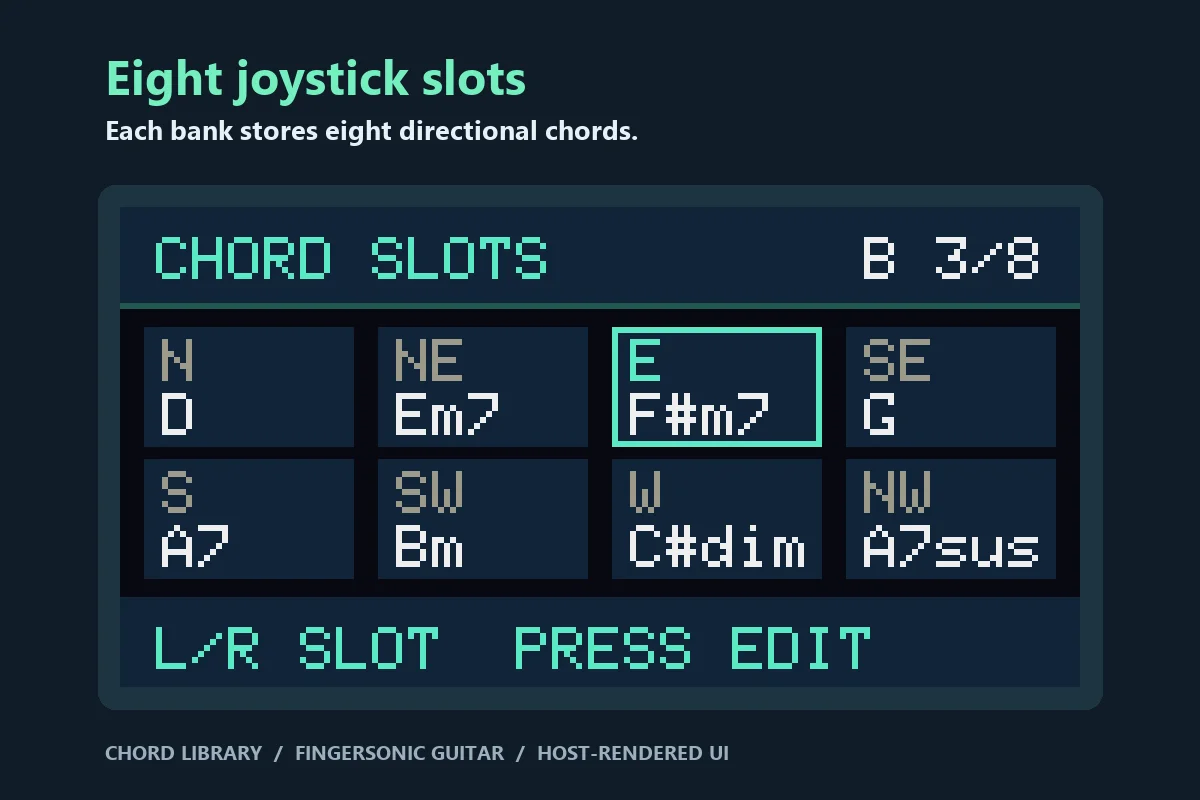
Keep eight editable chord banks on your Fingersonic Guitar. Each bank has eight joystick directions, for up to 64 chord slots. Start with eight playable major-key sets, then make them your own entirely on the instrument.
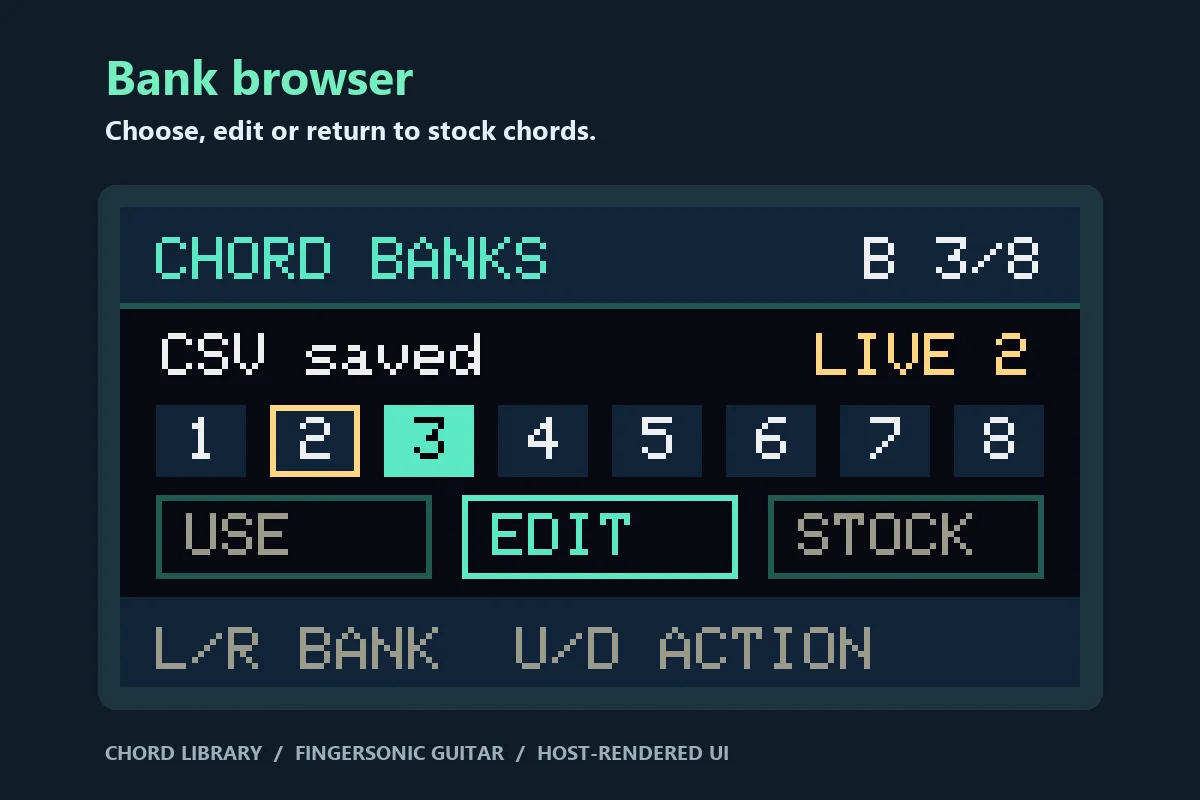
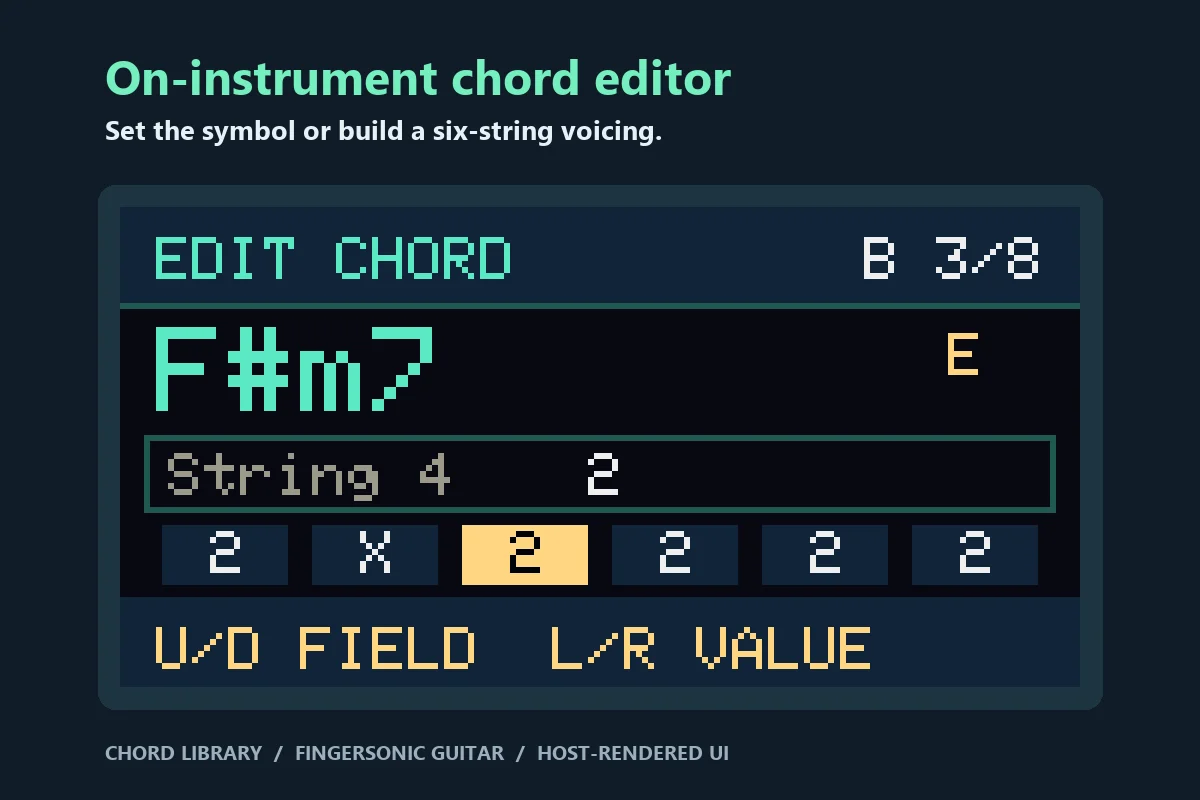
The new Chord Banks screen lets you choose a bank, browse its eight slots, or switch back to the stock chord system. Edit a chord's root, quality, slash bass and automatic or manual voicing. Manual mode lets you set each string to X, open or fretted, with an optional fret shift. N.C. makes a silent slot. The display identifies the bank and the chord you're editing.
When a library bank is active, the small left and right pitch pads turn pages during local chord playing. Solo, Follow and the dedicated Drum Pad setting use their usual controls. This is a community preview for Fingersonic Guitar. The images are host renders of the actual firmware display.
Installation & Controls
SELECT, PLAY AND EDIT
- Hold the encoder for three seconds to open Setting, highlight Chord Banks with the joystick and press the joystick switch.
- In the bank browser, move left/right or turn the encoder to choose a bank. Up/down selects Use, Edit or Stock. Press the joystick to apply the highlighted action.
- Use selects the bank and makes it the startup selection. Leave Settings to play. In local Chord mode with Slider Mode set to Pitch Bend, tap and release the small left Down pad (E2) for the previous bank or right Up pad (E5) for the next. The sequence wraps from 8 to 1. A long hold or touching both pads does not page. The display shows the active bank; performance paging does not write Flash or change the startup bank.
- Edit opens the eight directional chord slots. Move left/right (or turn the encoder) to select a slot and press the joystick. Up/down moves between fields; left/right or the encoder changes the value. You can set root, chord quality, slash bass, auto/manual voicing, each of the six frets and a shared fret shift. In manual mode X mutes a string, 0 is open and shift is added only to frets 1–5. Use N.C. for a silent slot. The manual shape determines the sound; its chord symbol is the label.
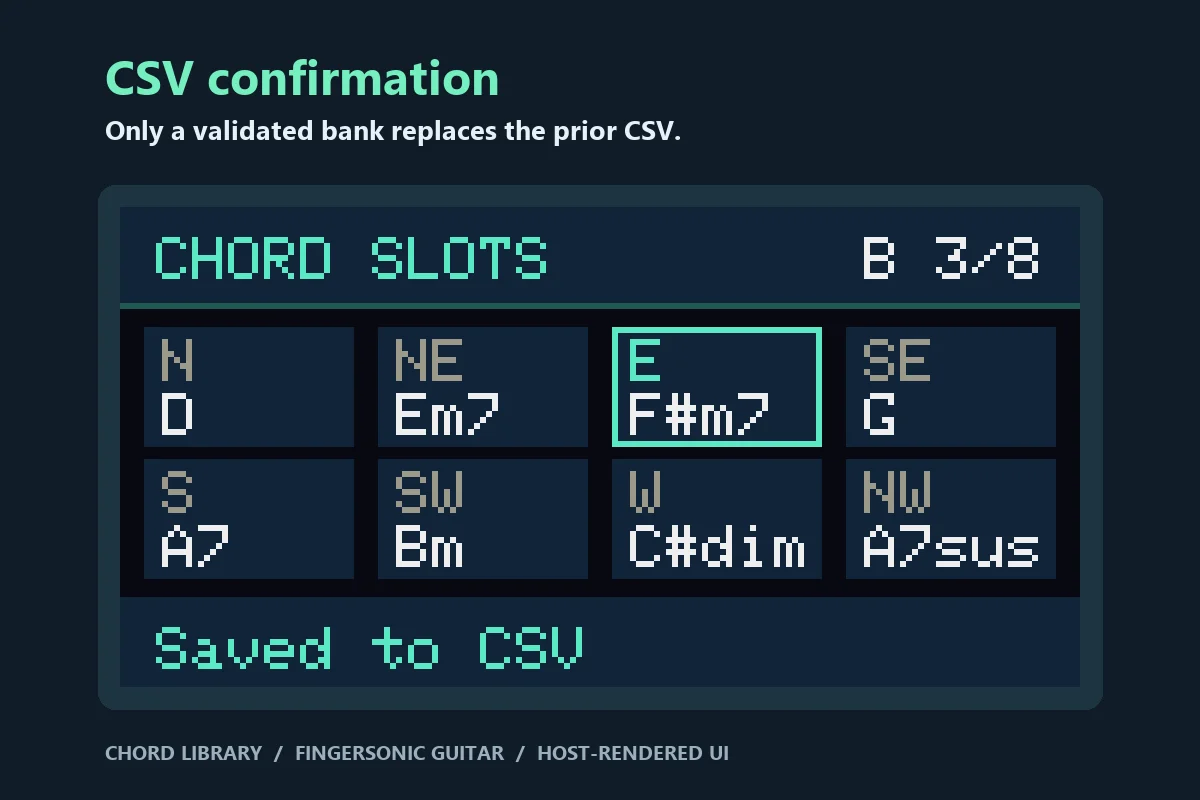
- Press the joystick once to highlight Save Chord, then again to save. If Save Chord is already selected, press once. A short encoder press goes back without saving the draft. In the stock Setting list, a short encoder press exits. A long encoder press exits Settings from any subpage.
- Stock returns to the original instrument chord system and slider behavior. Solo, Follow and Drum Pad retain their original controls; the pager runs only in local Chord mode with an active bank and the Pitch Bend slider setting. CAPO remains available. Bank symbols are fixed; select Stock to use the original transpose/key chord table or the App's custom bank.
The eight initial banks use C, G, D, A, F, E, Bb and Eb major families. Saving one slot saves that complete eight-slot bank. A damaged CSV falls back to the corresponding initial bank. Stock Factory Reset selects Stock but leaves the private bank CSVs in place.
STORAGE AND OFFICIAL RECOVERY
Banks are stored under /main4-chords/ as bank1.csv through bank8.csv. Each file contains eight numbered rows, in joystick order N, NE, E, SE, S, SW, W, NW. Split each row on its first comma. The remaining value is a chord symbol (or N.C.), optionally followed by @ and six comma-separated frets (physical 6 to 1), and optionally ~ plus a shift of 0–10. Example: 1,Dm7@X,0,2,2,1,0~2. The application validates and rereads a temporary file before replacing a saved bank. Its boot selection uses a separate NVS namespace.
The stock firmware opens /CustomChords.CSV and /Settings.CSV at their fixed paths. It only lists SF2 files for sound loading, and its root-only CSV cleanup skips directories. The community bank writer never modifies those stock files. The stock partition layout, existing sound bank and App1 remain in use. Main4 does not format LittleFS on mount failure.
Install through the preinstalled App1 Wi-Fi uploader, updating App0 only. Download the BIN first while online. Disconnect charging power and hold the encoder during a true cold start to enter App1; join the Fingersonic Wi-Fi hotspot and use the FingersonicUploader: https://fingersonic.net/blogs/apps/fingersonicuploader-upload-custom-sounds-to-your-fingersonic. The original App1 shortcuts are retained. Never install a merged image or a bootloader from this project's build folder.
To return to the official instrument, use the official recovery tool: http://update.fingersonic.cn/FingersonicGuitarUploader/ and restore official App0 via App1. The original sound bank does not need restoration unless it was changed independently. Stock firmware ignores the separate community CSV files; no manual deletion is needed. Compatibility was checked with the stock source and host tests; this release was not flashed onto a physical guitar for verification.
App0 file: Fingersonic_Chord_Library_1.0.0-preview.bin SHA-256: 1d9d75bf81697867f186daff17118b8edfc03838441711878f6e182dd551a3db
THIRD-PARTY NOTICES The application is distributed in binary form. Arduino-ESP32 3.3.2 components are under LGPL-2.1-or-later; other components retain their respective licenses, including Copych's MIT-licensed SF2 Sampler, MIDI Library, BLE-MIDI, Adafruit drivers and U8g2. Nothing in this release restricts rights granted by those licenses, including debugging library modifications. The notices, corresponding LGPL library sources and materials for relinking the library are available without charge for at least three years from publication via support@fingersonic.net. Application source is not published.
Versions & Release Notes
1.0.0-preview Latest
Nov 11, 2026 · 1.4 MB · Manual upload
Initial community preview: eight CSV chord banks, pitch-pad paging and on-instrument chord/voicing editor. Host checks passed; not yet hardware-tested.
SHA-256
1d9d75bf81697867f186daff17118b8edfc03838441711878f6e182dd551a3dbComments
No comments yet.